Point of sale, offline-first
Catalog, cart, cash & cards, receipts, stock and reporting — on a Sunmi desktop terminal, with a Stripe reader for tap & chip. Keeps ringing through a wifi outage.
Works with no internet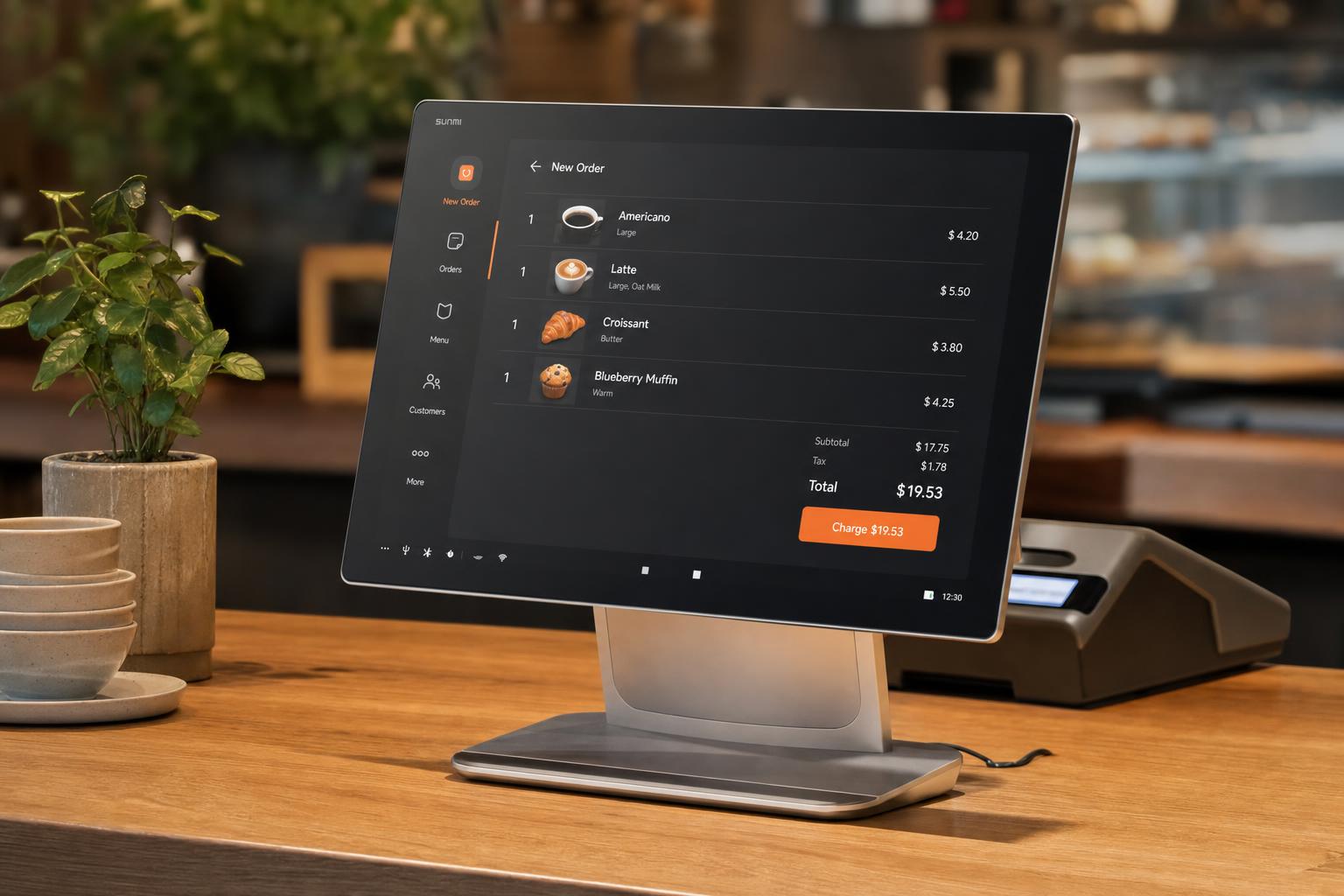
A till that never stops at the counter
Tap items from your catalog on a SUNMI device or any desktop. Cart, modifiers and discounts are one tap away.
Cash on the Sunmi till, or tap, chip and wallet on the paired Stripe reader. Stamps are applied in the same flow.
Cash sales and stamps keep working through a wifi outage and reconcile automatically the moment you are back online.
A wifi outage never stops the till
- OfflineWifi drops
The internet cuts out mid-rush — the terminal keeps taking cash, cards and stamps.
- QueuedSales queue locally
Every order is written to the till and held in a local queue, timestamped and safe.
- SyncedReconnect & reconcile
The moment wifi returns, the queue uploads and reconciles — totals and stamps, all caught up.
Made for the counter that can’t stop
Answers before you ask
Put a till on the counter today
Ring your first sale on SUNMI or desktop — cash, card and stamps in one tap.